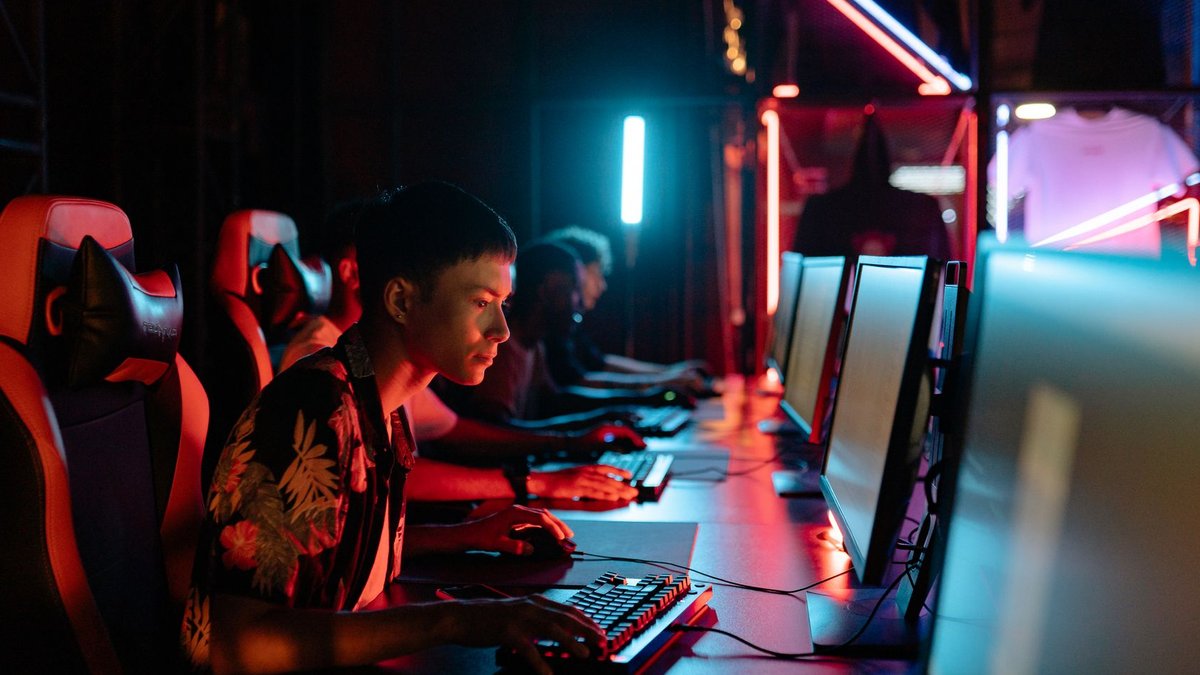
Reducing input lag on a gaming monitor or PC requires disabling extra picture processing features that add delay. Most monitors ship with motion interpolation, dynamic contrast, and noise reduction turned on by default, and all of them add processing time to the image. Enabling a setting usually called Game Mode, Fast Response, or Low Input Lag disables this extra processing. This setting can shave several milliseconds off response time on its own and is often the single biggest and easiest fix available.
A monitor can only display as many frames per second as its refresh rate allows, so a 60Hz monitor caps out at 60 frames per second no matter how powerful your GPU is. If your game is rendering more frames than the display can show, those extra frames get queued or dropped, adding latency. Enable V-Sync alternatives like NVIDIA’s G-SYNC or AMD’s FreeSync if the display supports them, which synchronize the graphics card and screen without the added lag that traditional V-Sync introduces. If you don’t have either, capping the frame rate a few frames below the monitor’s refresh rate in-game often reduces lag more reliably than leaving it uncapped.
DisplayPort generally offers lower latency than HDMI at high refresh rates, and using the wrong cable for the display’s maximum supported refresh rate can silently cap performance without any obvious warning. If your monitor supports 144Hz or higher, confirm you’re actually using a cable rated for that refresh rate. An older or budget HDMI cable bundled in the box may not be capable of it, forcing the display back down to a lower rate.
Related: Guide to Registering New SIM Cards in UAE
Wireless peripherals have improved enormously, and a good 2.4GHz wireless mouse using a dedicated dongle is generally fast enough for competitive play. Bluetooth connections are noticeably slower and less consistent by comparison. If you’re using a Bluetooth mouse or keyboard for gaming, switching to a wired connection or a 2.4GHz wireless receiver is a straightforward way to cut input delay, especially in fast-paced competitive titles where every millisecond matters.
Polling rate determines how often the mouse reports its position to the computer, measured in Hz. Most mice default to 125Hz or 500Hz, but many gaming mice support 1000Hz or higher through their companion software. Raising this reduces the delay between physically moving the mouse and that movement registering, though very high polling rates can occasionally cause stability issues on older systems, so it’s worth testing before assuming higher is always better for your specific setup.
Recording software, overlays, browser tabs with video playing, and even some RGB lighting control apps can quietly consume CPU or GPU resources in the background. These processes add frame-time inconsistency that feels like input lag even when the average frame rate looks fine. Closing unnecessary background apps before a gaming session, and checking the GPU control panel for any overlay features you don’t actually use, can smooth out these inconsistent frame times.
Related: Regal Reminiscence: Timeless Engagement Rings Reflecting London’s History
If you’ve worked through all of the above and lag still feels noticeable, it may come down to the monitor’s actual response time rating, measured in milliseconds and listed in its spec sheet. Budget monitors, particularly older VA panels, can have response times high enough to introduce visible ghosting and perceived lag no matter how the settings are configured. In that case, the fix isn’t a setting at all — it’s the panel itself, and no amount of tweaking will fully compensate for genuinely slow underlying hardware.
Investing in high-quality cabling is essential for maintaining a stable connection. For specific details on setting up your equipment properly, readers can consult a guide to registering new SIM cards in the UAE [1], which outlines similar technical verification steps. Another useful resource regarding historical context and technical precision can be found at Regal Reminiscence: Timeless Engagement Rings Reflecting London’s History [2].